Keep the whole edit together.
Put your latest video, useful recommendations and contact link on one page. Reorder them as your content changes, without replacing your bio address.
Link in Bio for Influencers
Give the people arriving from Instagram, TikTok or YouTube a clear next step. Bring your latest content, favorite finds and collaboration links together.
Open fideioStart free. No card required.



Emma Laurent · Fictional profile. Real features.Explore the demo
Put your latest video, useful recommendations and contact link on one page. Reorder them as your content changes, without replacing your bio address.
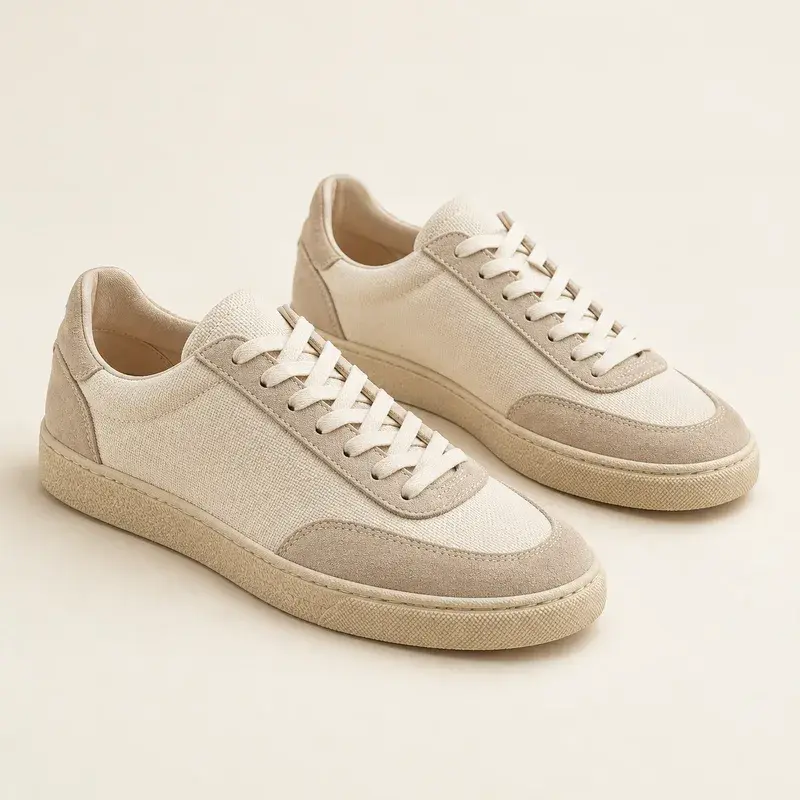
On Plus and Pro, add real product images, optional prices and purchase links. A visitor follows your link to the merchant’s store to buy. Keep any advertising or affiliate disclosure clear.
Publish answers alongside your links and let followers search for what they saw in a post. See the searches and link clicks that help explain what your audience wants.
Yes. Your published fideio address can be shared across your social profiles. Update the content on that page whenever your recommendations or campaigns change.
No. Product cards on Plus and Pro link to the checkout at your chosen outside store. That merchant handles payments, shipping, orders and returns.
You can add your merchant or affiliate URLs as links. Follow the merchant’s rules and clearly explain paid or affiliate relationships near the recommendation. fideio does not generate affiliate commissions or verify partnership claims.